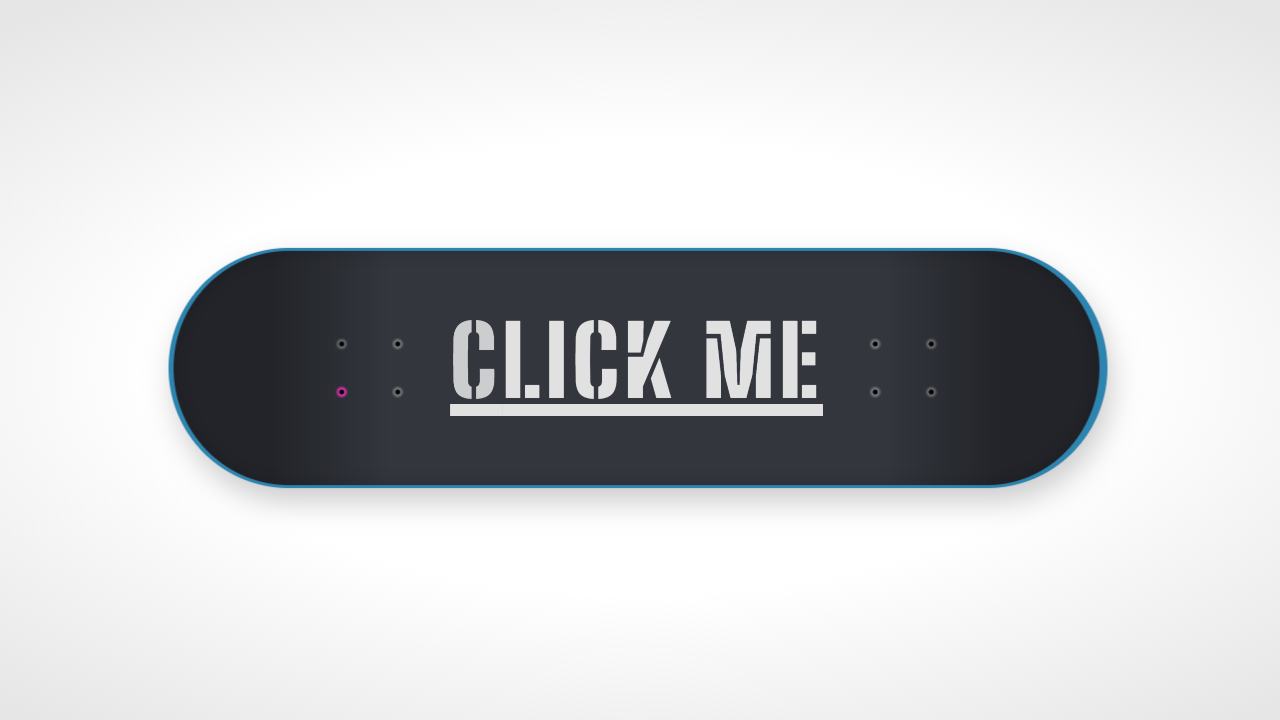
Color Selector, user be able to select multiple colors, as well as add their own custom colors. Developed using CSS, HTML and JavaScript. Demo and Download available.
Author Jack Harner
Created SEPTEMBER 14, 2018
License Open
Compatible browsers Chrome, Firefox, Safari
HTML Snippet
`<h1>Color Selector</h1><fieldset class="color-checks">
		<input type="checkbox" name="color[]" id="color--red" value="red">

	<label style="background:rgb(244,67,54);" for="color--red">

	</label>

		<input type="checkbox" name="color[]"id="color--blue" value="blue">
	<label style="background:rgb(33,150,243);" for="color--blue"></label>

	<input type="checkbox" name="color[]"id="color--green" value="green">
	<label style="background:rgb(76,175,80);" for="color--green"></label>


		<input type="color" name="color-add"id="color__add">
	<label style="" for="color__add"></label>


</fieldset>`
CSS Code
`body {
	background: #333;
	display:flex;
	flex-direction:column;
	font-family:"Roboto";
	align-items:center;
	justify-content:center;
	height:100vh;
}

h1{text-align:center; margin:1em auto; font-size:2em;
font-weight:900; color:#fff;}

label {
	height: 10vmin;
	width: 10vmin;
	display: flex;
	align-items: center;
	justify-content: center;
	margin:1em;
}

.color-checks {
	width: 50%;
	max-width:500px;
	margin: 2em auto;
	display: flex;
	align-items: center;
	justify-content: space-between;
	flex-wrap:wrap;


	input {
		position: absolute;
		left: -9999vw;

		& + label {
		}

		&:checked + label {
			box-shadow: 0 0 0 2px #fff, 0 2px 5px transparentize(#000, 0.4);
			animation: rotate 1.5s;
			&:after {
				content: "âܔ";
				font-size: 5em;
				color: #fff;
			}
		}
	}


	#color__add{

		position: absolute;
		left: -9999vw;

		& + label{

			border:2px dashed #aaa;
			cursor:pointer;

			&:after{
				content: '+';
								font-size: 5em;
				color: #aaa;
			}
		}
	}
}
.twitch{
	animation: rotate 1.5s;
}

@keyframes rotate{

	0%{
		transform:rotate(0deg);
	}
		25%{
		transform:rotate(20deg);
	}
		50%{
		transform:rotate(-12deg);
	}
		75%{
		transform:rotate(6deg);
	}
			100%{
		transform:rotate(0deg);
	}

}`
JavaScript Snippet
`jackHarnerSig();

$("#color__add").change(function(){
	var newColor = escape($(this).val().replace("#",""));
	var newInput = '<input type="checkbox" name="color[]"id="color--custom--' + newColor +'" value="' + newColor +'" checked><label style="background:#' + newColor +';" for="color--custom--' + newColor +'"></label>';

	if(! $("input").length){
		$(this).before(newInput);
		// $("input + label").addClass("twitch");

	}
	else {
		// $("input + label").addClass("twitch");
	}


})`
Preview