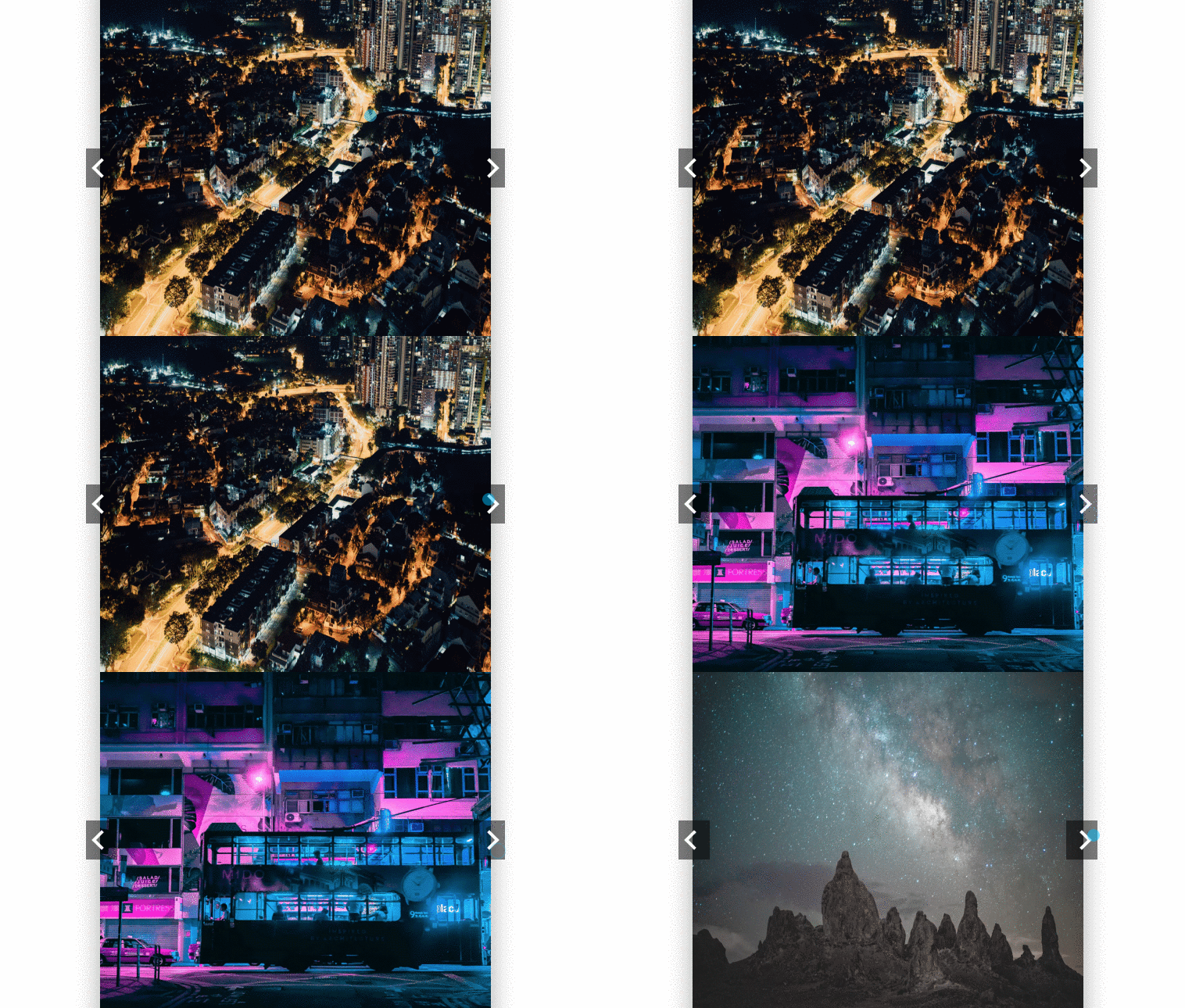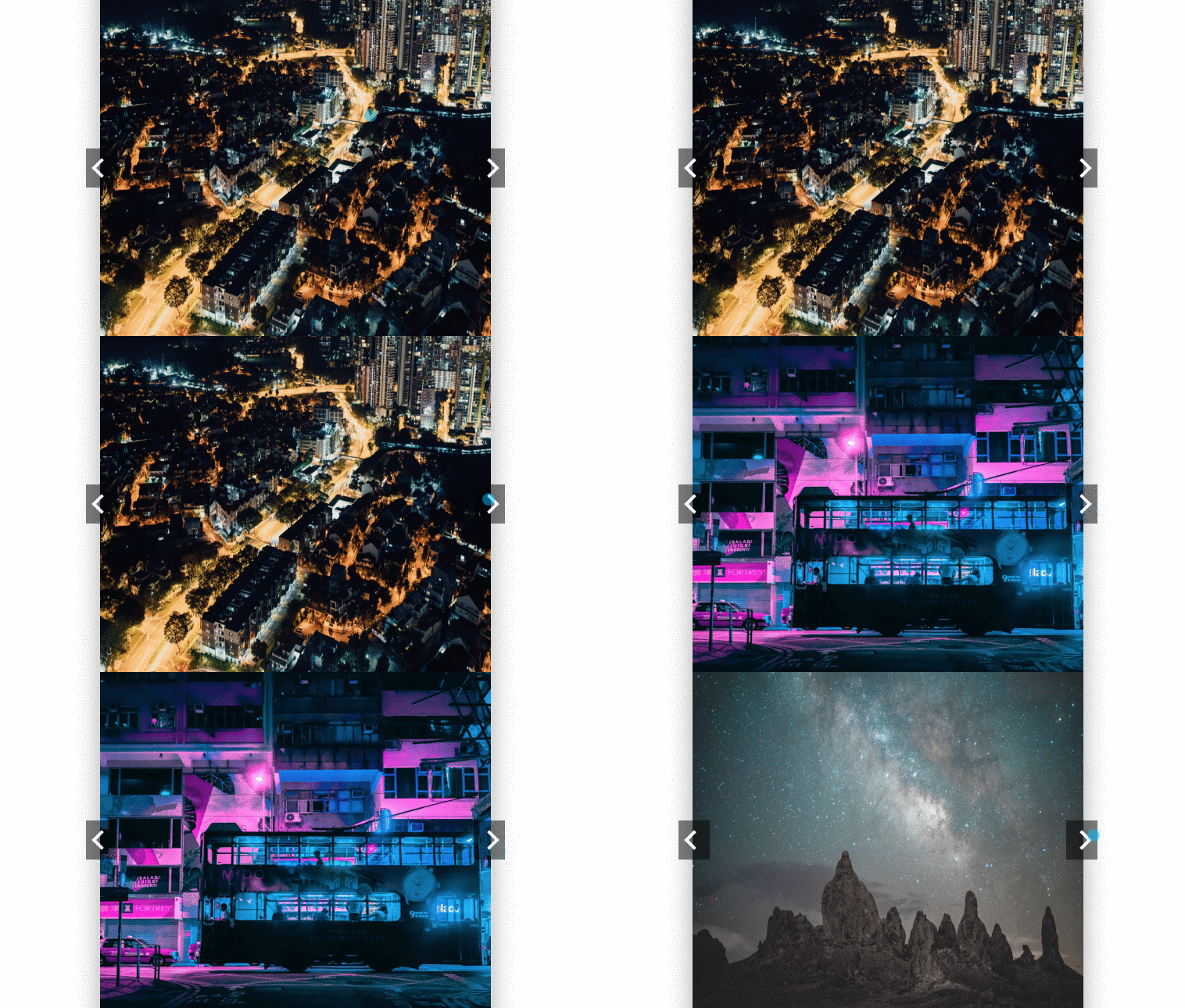
Basic Vanilla JS Carousel developed using css, html and vanillaJS
Author Andrew Zamora
Created SEPTEMBER 17, 2018
License Open
Compatible browsers Chrome, Firefox, Safari
HTML Snippet
`<!DOCTYPE html>
<html lang="en">

<head>
    <meta charset="UTF-8">
    <meta name="viewport" content="width=device-width, initial-scale=1.0">
    <meta http-equiv="X-UA-Compatible" content="ie=edge">
    <link href="https://fonts.googleapis.com/css?family=Roboto" rel="stylesheet">
    <link rel="stylesheet" href="style.css">
    <title>Vanilla JS Carousel</title>
</head>

<body>
    <main>
        <h1>Basic Vanilla JS Carousel</h1>
        <div class="container">
            <button id="left-btn"><i class="arrow"></i></button>
            <img id="carousel" src="" alt="">
            <button id="right-btn"><i class="arrow"></i></button>
        </div>
    </main>

    <script src="main.js"></script>
</body>

</html>`
CSS Code
`* {
    padding: 0;
    margin: 0;
}

body {
    font-family: "Roboto", sans-serif;
    display: flex;
    justify-content: center;
    align-items: center;
    height: 100vh;
}

h1 {
    text-align: center;
}

.container {
    width: 500px;
    height: 500px;
    display: flex;
    justify-content: center;

    box-shadow: 0 24px 38px 3px rgba(0, 0, 0, 0.14),
        0 9px 46px 8px rgba(0, 0, 0, 0.12), 0 11px 15px -7px rgba(0, 0, 0, 0.2);
}

.container img {
    width: 100%;
    z-index: -2;
}

button {
    height: 10%;
    border: none;
    outline: none;
    background: rgba(0, 0, 0, 0.5);
    cursor: pointer;
    padding: 1em;
    display: flex;
}

button .arrow {
    border: solid #fff;
    border-width: 0 4px 4px 0;
    display: inline-block;
    padding: 7px;
    transition: transform 0.3s ease-out;
}

#right-btn {
    margin: auto 0 auto -2em;
}

#right-btn .arrow {
    transform: rotate(-45deg);
}

#left-btn {
    z-index: 0;
    margin: auto -2em auto 0;
}

#left-btn .arrow {
    transform: rotate(135deg);
}`
JavaScript Snippet
`const img = document.getElementById('carousel');
const rightBtn = document.getElementById('right-btn');
const leftBtn = document.getElementById('left-btn');

// Images are from unsplash
let pictures = ['https://images.unsplash.com/photo-1537000092872-06bbf7b64f60?ixlib=rb-0.3.5&ixid=eyJhcHBfaWQiOjEyMDd9&s=14d2fe1244b43a1841569da918066fc4&auto=format&fit=crop&w=1050&q=80', 'https://images.unsplash.com/photo-1537005081207-04f90e3ba640?ixlib=rb-0.3.5&ixid=eyJhcHBfaWQiOjEyMDd9&s=ffb71f2a2843e802e238c5ff8e4bbb8c&auto=format&fit=crop&w=764&q=80', 'https://images.unsplash.com/photo-1536873602512-8e88cc8398b1?ixlib=rb-0.3.5&ixid=eyJhcHBfaWQiOjEyMDd9&s=60a351868d0839e686c8c5a286265f8d&auto=format&fit=crop&w=1050&q=80'];

img.src = pictures[0];
let position = 0;

moveRight = () => {
    if (position >= pictures.length - 1) {
        position = 0
        img.src = pictures;
        return;
    }
    img.src = pictures;
    position++;
}

moveLeft = () => {
    if (position < 1) {
        position = pictures.length - 1;
        img.src = pictures;
        return;
    }
    img.src = pictures;
    position--;
}

rightBtn.addEventListener("click", moveRight);
leftBtn.addEventListener("click", moveLeft);`
Preview